November 20, 2009, 10:15:39 PM *
Welcome, Guest. Please login or register.

Login with username, password and session length
News: Latest Casino Bonuses Forum open for discussion.
 
   Home   Help Chatroom Search Calendar Login Register  
Pages: [1] 2 3
  Print  
Author Topic: How to make a screenshot  (Read 4790 times)
Zuga
Administrator
Super Hero
*****
Gender: Male
Posts: 2044

Thank You
-Given: 35
-Receive: 117


this is the end, my only friend the end


View Profile
« on: June 03, 2008, 03:58:50 AM »

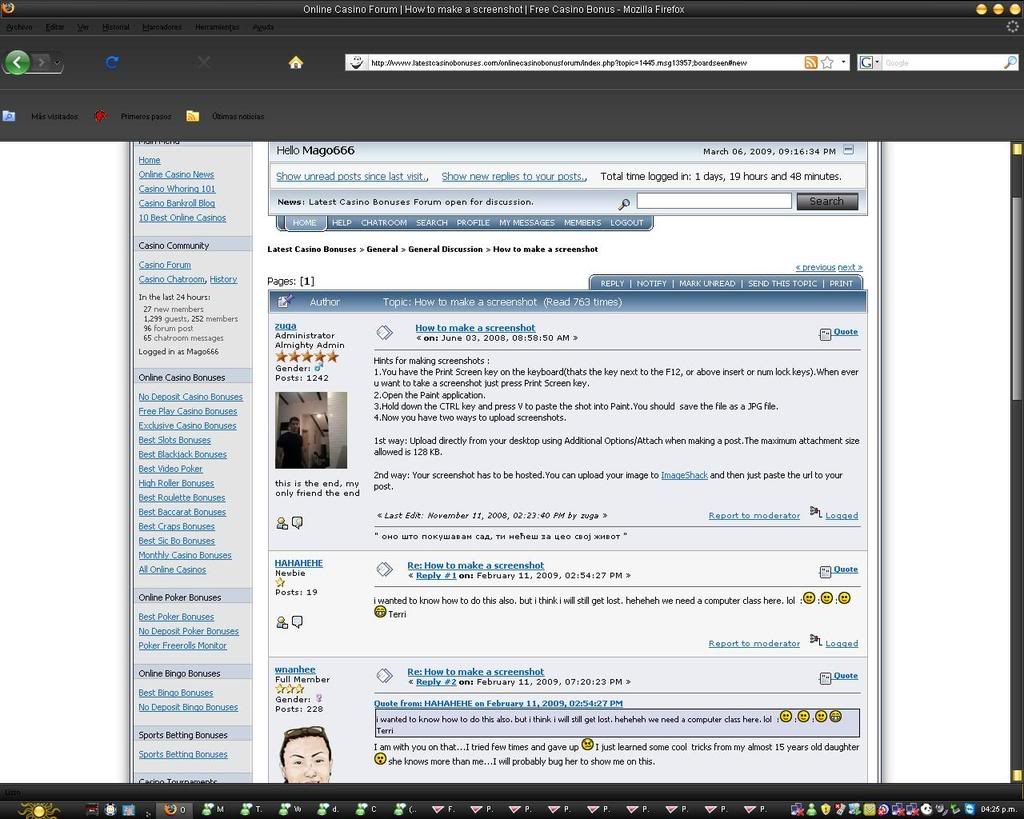
Hints for making screenshots :
1.You have the Print Screen key on the keyboard(thats the key next to the F12, or above insert or num lock keys).When ever u want to take a screenshot just press Print Screen key.
2.Open the Paint application.
3.Hold down the and CTRL key and press V to paste the shot into Paint.You should  save the file as a JPG file.
4.Now you have two ways to upload screenshots.

1st way: Upload directly from your desktop using Additional Options/Attach when making a post.The maximum attachment size allowed is 320 KB.

2nd way: Your screenshot has to be hosted.You can upload your image to ImageShack and then just paste the url to your post.
« Last Edit: March 26, 2009, 04:45:28 AM by zuga » Logged

"All it takes for evil to prevail is for good people to do nothing "
HAHAHEHE
Newbie
*
Posts: 21

Thank You
-Given: 0
-Receive: 0


View Profile
« Reply #1 on: February 11, 2009, 08:54:27 AM »

i wanted to know how to do this also. but i think i will still get lost. heheheh we need a computer class here. lol  :Smiley :Smiley :Smiley Grin Terri
Logged
wnanhee
Hero Member
*****
Gender: Female
Posts: 598

Thank You
-Given: 46
-Receive: 41


View Profile
« Reply #2 on: February 11, 2009, 01:20:23 PM »

i wanted to know how to do this also. but i think i will still get lost. heheheh we need a computer class here. lol  :Smiley :Smiley :Smiley Grin Terri
I am with you on that...I tried few times and gave up Cry I just learned some cool  tricks from my almost 15 years old daughter Shocked she knows more than me...I will probably bug her to show me on this.
Logged

*** Well behaved women rarely make history. ***
***"Always forgive your enemies, nothing annoys them so much."***
Shelli
Bingo Moderator
Super Hero
*****
Gender: Female
Posts: 1945

Thank You
-Given: 22
-Receive: 39


Bingo Baby!!! ;-)


View Profile
« Reply #3 on: February 12, 2009, 01:33:17 AM »

Hey Terri, I can walk you thru it via Yahoo Messenger or Windows Messenger if you use either of them.  I work during the week but Saturday and Sunday I am pretty much online most of the day.  Let me know hun.

Shelli


GOOD LUCK ALL!!!!
Logged

GOOD LUCK ALL!!!!
wnanhee
Hero Member
*****
Gender: Female
Posts: 598

Thank You
-Given: 46
-Receive: 41


View Profile
« Reply #4 on: March 06, 2009, 05:03:31 AM »

hi, zuga! I recently learned to do screen shot and tried many times to post in here but ever time it gets rejected by size...saying too big. How can I make my screenshot (jpg) to smaller size? could you please tell me? I appreciate your time.
Logged

*** Well behaved women rarely make history. ***

***"Always forgive your enemies, nothing annoys them so much."***
Zuga
Administrator
Super Hero
*****
Gender: Male
Posts: 2044

Thank You
-Given: 35
-Receive: 117


this is the end, my only friend the end


View Profile
« Reply #5 on: March 06, 2009, 05:09:55 AM »

Right click on the image, then open with => Paint .

In the top menu choose Image => stretch/skew , and simply adjust the image size.

The maximum attachment size allowed for upload is 320 KB.
« Last Edit: March 26, 2009, 04:45:20 AM by zuga » Logged

"All it takes for evil to prevail is for good people to do nothing "
Mago666
Sr. Member
****
Gender: Male
Posts: 272

Thank You
-Given: 3
-Receive: 0


View Profile WWW
« Reply #6 on: March 06, 2009, 03:26:13 PM »

Done lol Grin Cool

Logged

If u bet to the right way u can lose to the most unbelievable way.
wnanhee
Hero Member
*****
Gender: Female
Posts: 598

Thank You
-Given: 46
-Receive: 41


View Profile
« Reply #7 on: March 06, 2009, 03:35:14 PM »

ok, trying!


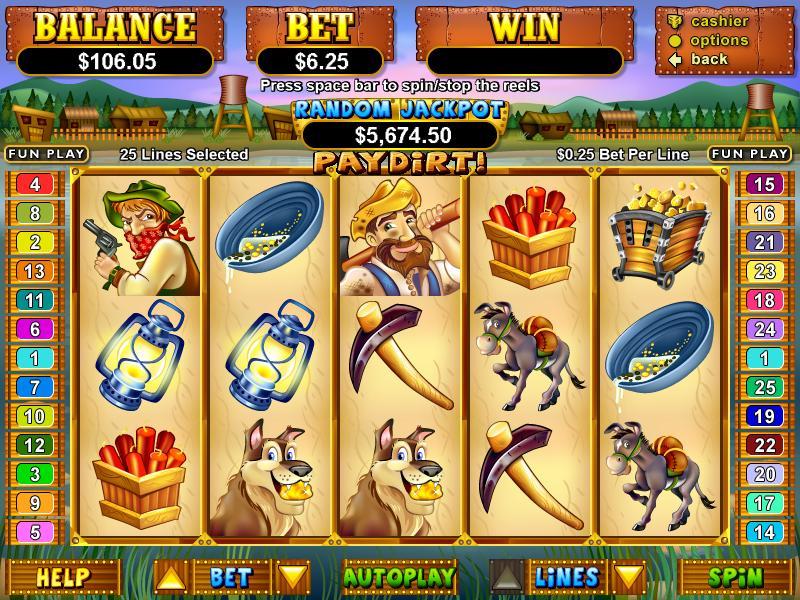
* testing size.JPG (51.73 KB, 1024x768 - viewed 23 times.)
Logged

*** Well behaved women rarely make history. ***

***"Always forgive your enemies, nothing annoys them so much."***
wnanhee
Hero Member
*****
Gender: Female
Posts: 598

Thank You
-Given: 46
-Receive: 41


View Profile
« Reply #8 on: March 06, 2009, 03:37:23 PM »

ok, trying!
hummmm~ I guess I did it but something is not right! picture is not clear...well, I did it so great. thank you, zuga and mago666
Logged

*** Well behaved women rarely make history. ***

***"Always forgive your enemies, nothing annoys them so much."***
Zuga
Administrator
Super Hero
*****
Gender: Male
Posts: 2044

Thank You
-Given: 35
-Receive: 117


this is the end, my only friend the end


View Profile
« Reply #9 on: March 07, 2009, 01:49:50 PM »

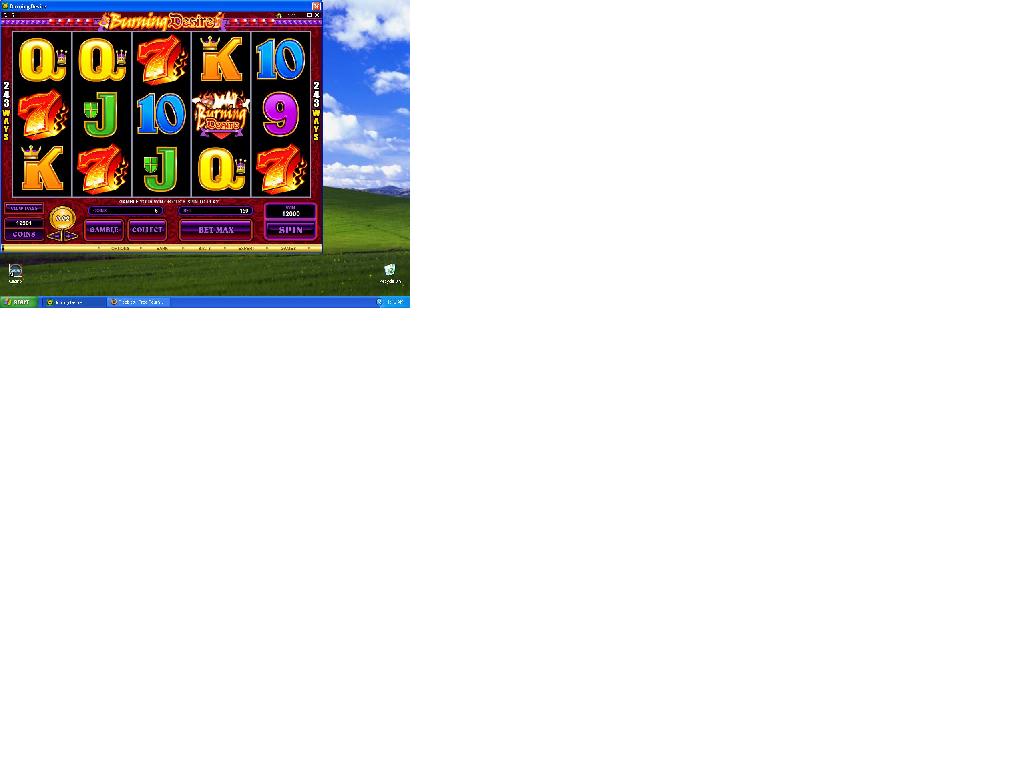
ah, here is the thing. To avoid having your whole desktop in the image, simply press Alt and Print Screen keys at the same time when making a screen shot.

Open the Paint. Now you have to reduce the size of the blank page so it can be same or smaller to your screen shot. Just go to Image =>Attributes and then adjust the size.

Then paste the screen shot and adjust the size by going to Image => stretch/skew and save it as jpeg file.

hope this helps Wink
« Last Edit: March 07, 2009, 02:01:57 PM by zuga » Logged

"All it takes for evil to prevail is for good people to do nothing "
wnanhee
Hero Member
*****
Gender: Female
Posts: 598

Thank You
-Given: 46
-Receive: 41


View Profile
« Reply #10 on: March 09, 2009, 02:37:19 PM »

...


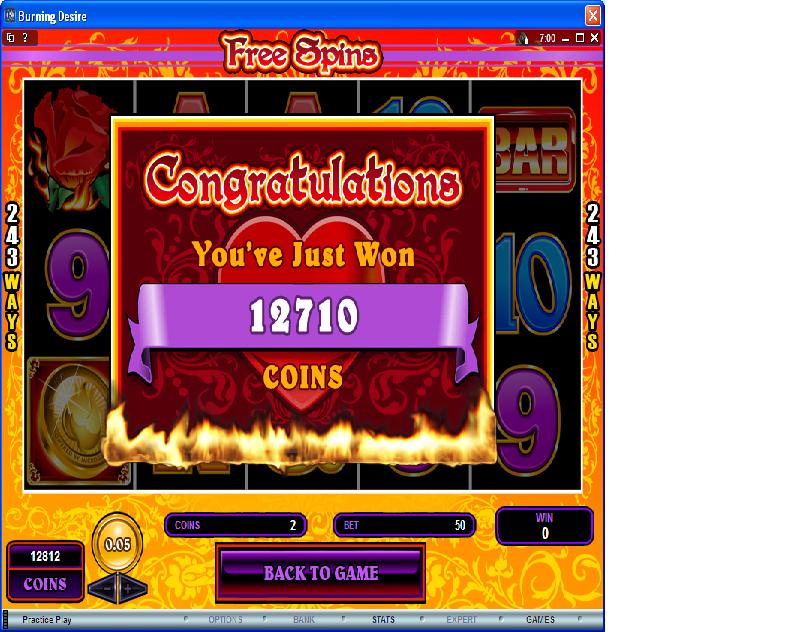
* free spins.JPG (97.37 KB, 806x632 - viewed 23 times.)
Logged

*** Well behaved women rarely make history. ***

***"Always forgive your enemies, nothing annoys them so much."***
wnanhee
Hero Member
*****
Gender: Female
Posts: 598

Thank You
-Given: 46
-Receive: 41


View Profile
« Reply #11 on: March 09, 2009, 02:42:34 PM »

thanks a bunch,zuga...I am still trying to do better at it.


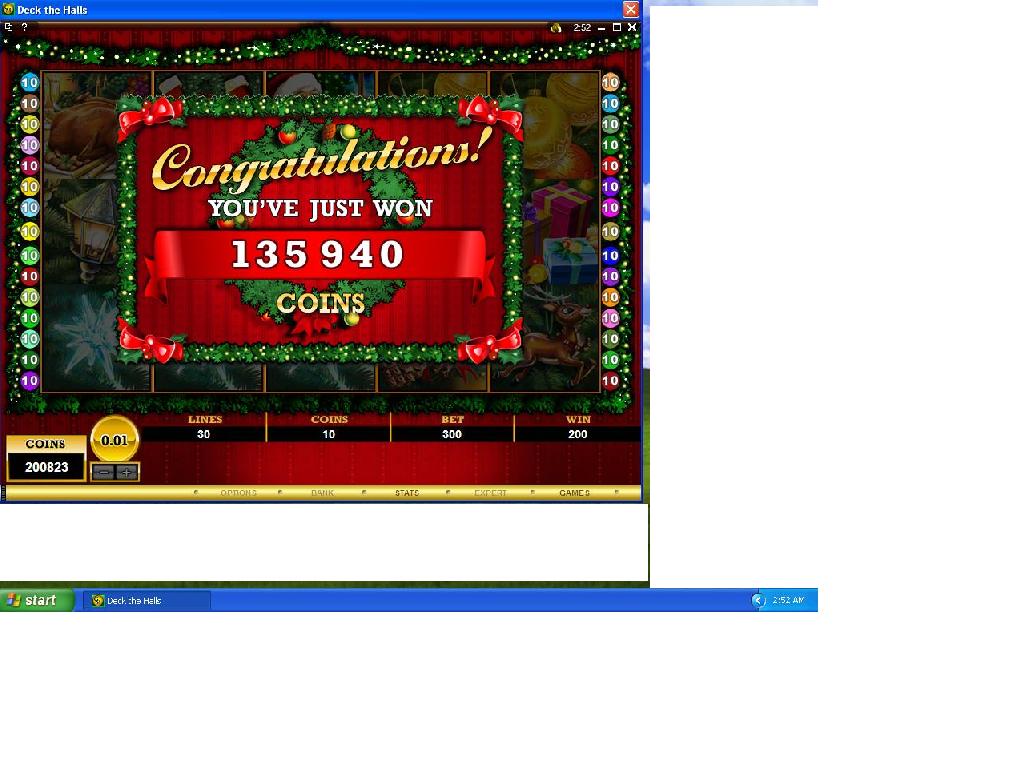
* small win,yeah..JPG (99.01 KB, 1024x768 - viewed 21 times.)
Logged

*** Well behaved women rarely make history. ***

***"Always forgive your enemies, nothing annoys them so much."***
wnanhee
Hero Member
*****
Gender: Female
Posts: 598

Thank You
-Given: 46
-Receive: 41


View Profile
« Reply #12 on: March 09, 2009, 02:44:07 PM »

o.k. I think...I got  it? he he he! Grin
Logged

*** Well behaved women rarely make history. ***

***"Always forgive your enemies, nothing annoys them so much."***
Zuga
Administrator
Super Hero
*****
Gender: Male
Posts: 2044

Thank You
-Given: 35
-Receive: 117


this is the end, my only friend the end


View Profile
« Reply #13 on: March 09, 2009, 02:46:23 PM »

well you are definitely getting better Cheesy
Logged

"All it takes for evil to prevail is for good people to do nothing "
nalgenie
Super Hero
******
Gender: Female
Posts: 1453

Thank You
-Given: 51
-Receive: 23


View Profile
« Reply #14 on: March 23, 2009, 03:08:48 AM »

how about if you have a notebook, and don't have a print button, or number pad???

My key next to the f12 stop is a scroll key

any way to do it without a print key???  I thought it was me the first couple of times..
Logged

You control your response and
therein lies your freedom.
Pages: [1] 2 3
  Print  
 
Jump to:  

Powered by SMF 1.1.10 | SMF © 2006-2009, Simple Machines LLC

Translate:  French  German  Spanish  Portugese  Italian

Japanese  Korean  Chinese  Arabic
Bookmark and Share